Skip to content
Web Development from Scratch: Build Your First Interactive Website
Start without coding experience: learn HTML, CSS, and JavaScript by building a personal website, adding interactivity, and publishing your first project.
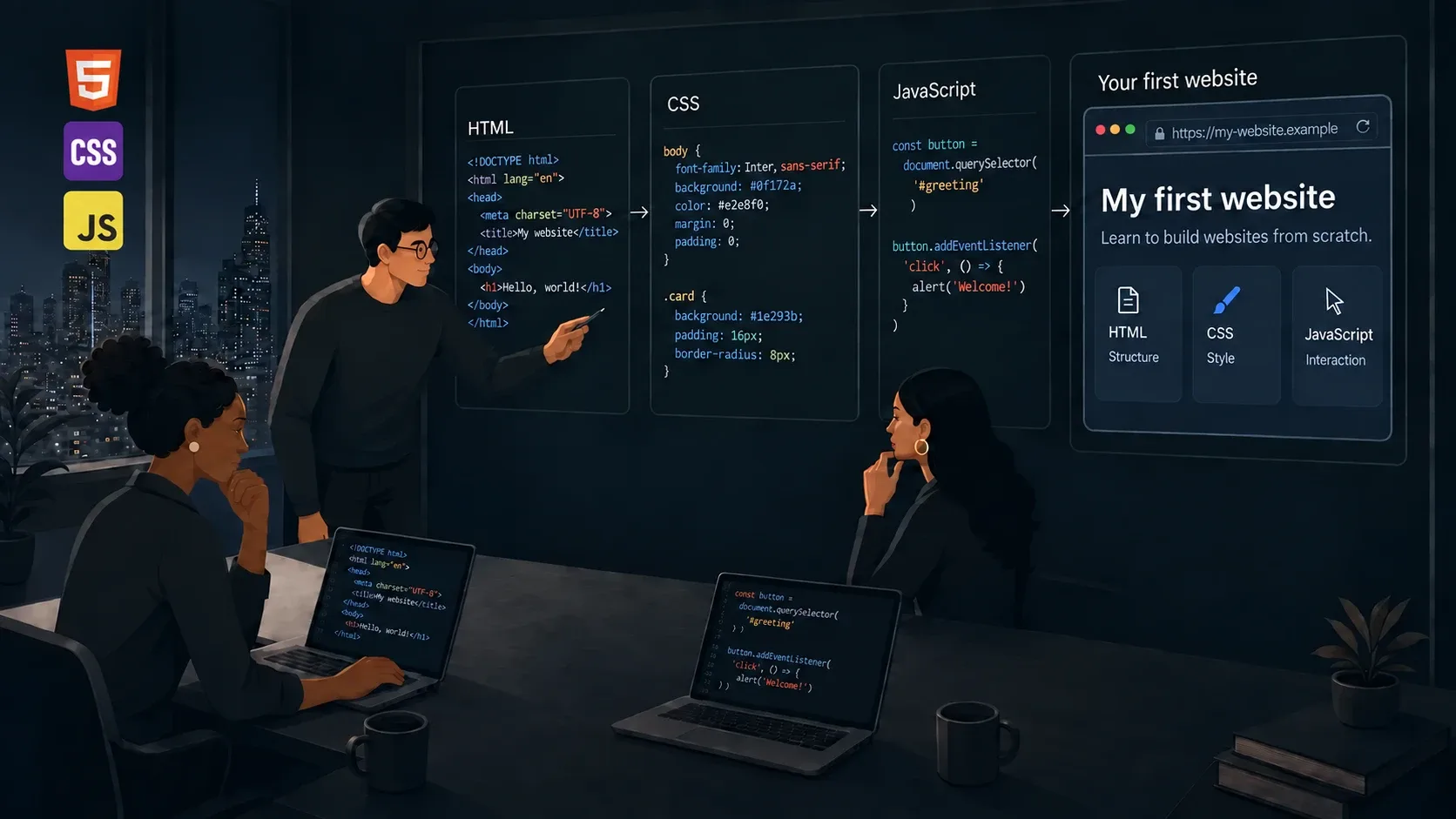
Your first step into programming for the web
Start with an empty folder and build a personal website with text, an image, project cards, and an interactive study-goal list. Understand each file's role, see the result in your browser, and publish an address you can share.
Build My space on the web
A personal introduction that develops alongside your skills: content first, then presentation, and finally a list for adding goals and marking what you have practiced. Personalize the story, projects, colors, and initial goals.
What you will learn
Create and change a local page while distinguishing the editable file from the page displayed by the browser.
Structure a page using headings, sections, links, a described image, and identified form controls.
Apply readable styles and a layout that adapts to the available width without cutting off content.
Read and write small JavaScript rules, predict their results, and investigate error messages.
Connect page inputs and events to small functions, with clear messages and updated content.
Publish a static website, verify its paths, and demonstrate behavior with simple evidence.
One explanation, one experiment, one achievement
Work through 24 text-and-code lessons, 12 labs, six debugging situations, and 36 questions with commentary. Each lesson includes a practical action, an expected result, and a challenge. Complete files for every stage let you check your work and return to a working version.
Plan approximately 12–18 hours for reading, exercises, and project customization. This estimates hands-on practice, not video duration. Progress at your own pace and repeat exercises until you can explain what changed.
Your path from the first file to publication
1. Your First File, Your First Page
Set up your editor, create an HTML file, and learn the write, save, open, and repair cycle.
2. Organize Your Content with HTML
Build an introduction, navigation, an image, project cards, and a form with clear labels.
3. Shape Your Website with CSS
Adjust colors, typography, and spacing; organize the cards and adapt the website to smaller screens.
4. Think in Steps with JavaScript
Learn values, variables, conditions, functions, and loops through small exercises with predictable results.
5. Turn the Page into an Experience
Respond to clicks, read a form, and build a goal list that people can mark as completed.
6. Review, Publish, and Take Your Next Step
Test your website, publish its files with GitHub Pages, and deliver a project you can explain.
Tools you will use
A code editor and your computer's browser.
HTML for content structure, CSS for presentation, and JavaScript for responding to actions.
GitHub Pages for guided publication through the browser interface, using a GitHub account.
Simple local files, without a terminal, framework, or database requirement for this path.
Finish with something you can demonstrate
Deliver a public address, a personalized project, and a record of your tests. A self-review rubric covers structure, presentation, interaction, keyboard use, publication, and independence.
Prepare for your next courses
Consolidate functions, arrays, and events through small variations of this project. Then move toward asynchronous JavaScript, HTTP, and new tools. This path starts before the catalog's TypeScript, Next.js, and backend courses, with clear expectations about the foundations that still need practice.